


WB-PDU-04 · 1U horizontal
1U UK Switched PDU
Six BS 1363 outlets with a local master switch. Listed at 13 A, 250 V AC.
View specifications →Compare WebiT power distribution units for server racks, network cabinets and industrial enclosures. Specify your mounting format, outlet layout and power management requirements for a project quote.
Start with four representative models for local switching, network management, vertical mounting or dual-input transfer.
WB-PDU-04 · 1U horizontal
Six BS 1363 outlets with a local master switch. Listed at 13 A, 250 V AC.
View specifications →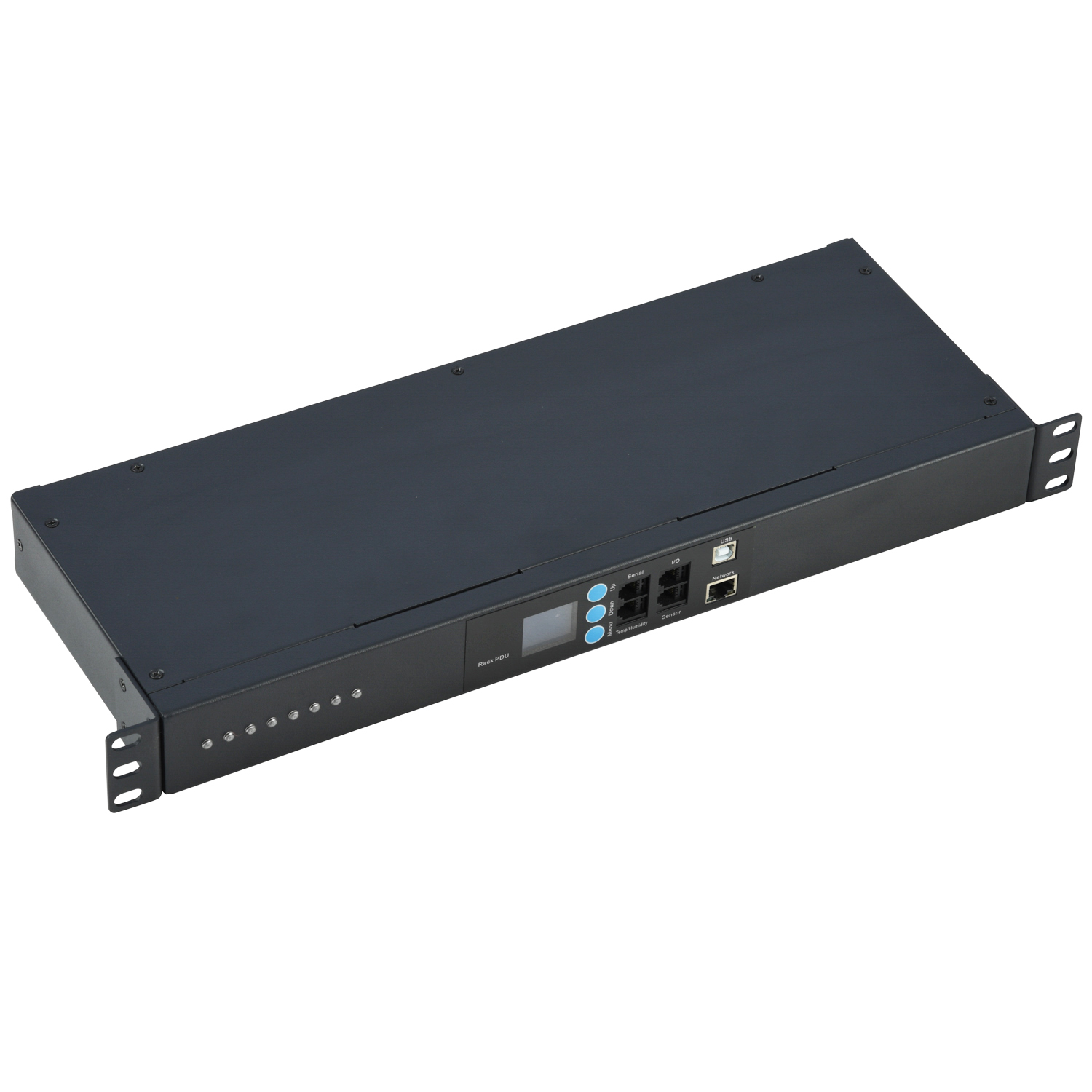
WB-SPDU-2000-14 · 1U horizontal
Eight ports with outlet current monitoring and individual outlet control. The listing identifies SNMP management.
View specifications →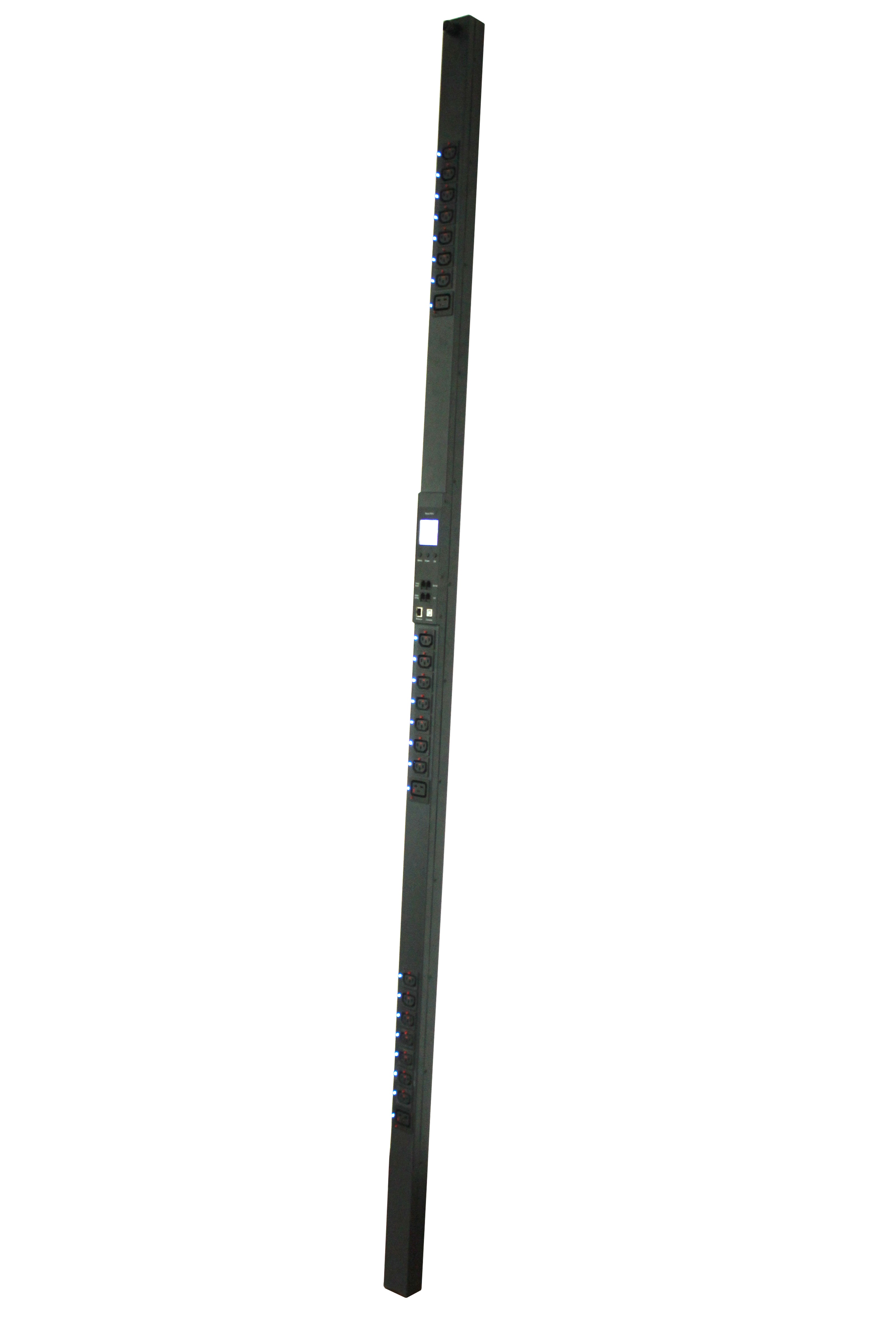
WB-SVPDU-5000 · Vertical
Locking IEC outlets with outlet current monitoring and individual outlet control.
View specifications →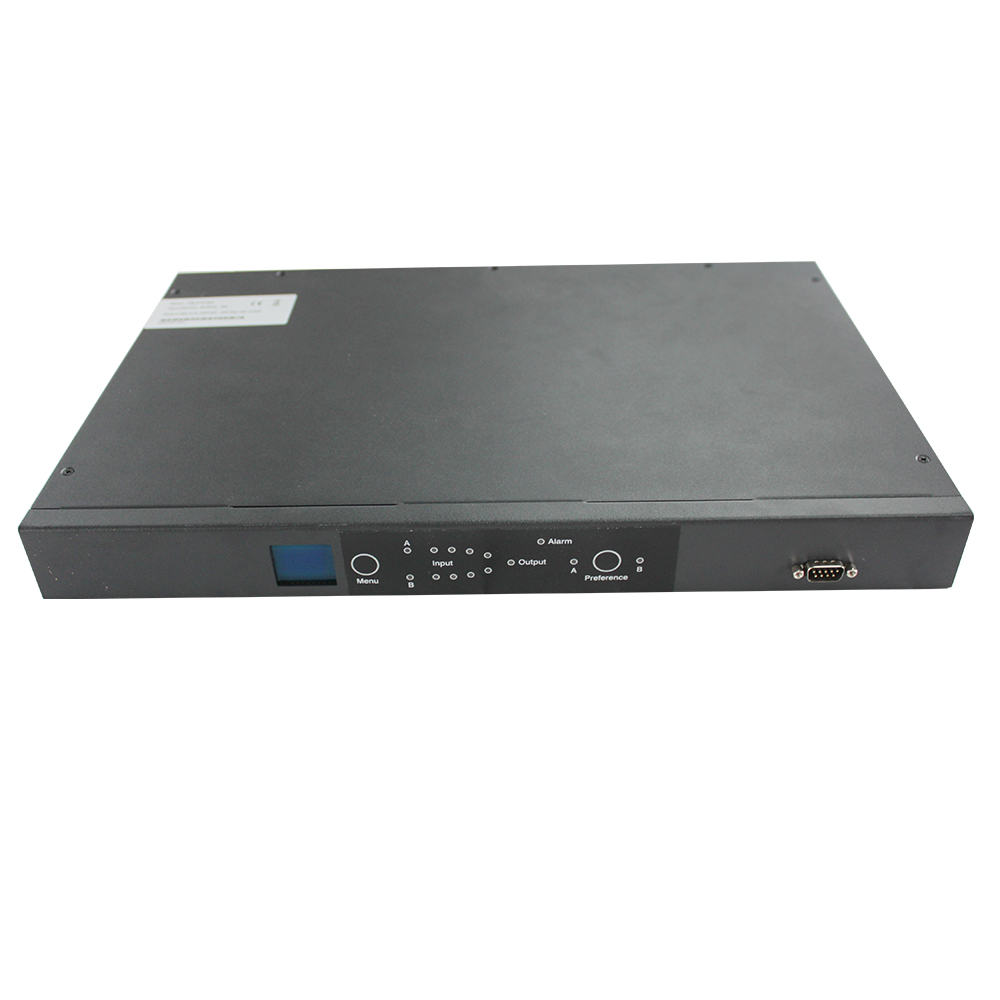
WB-STS-800 · 19-inch rack mount
Twelve IEC C13 outlets and two IEC 60309 16 A inputs for automatic source transfer.
View specifications →Identify which functions your team needs at the rack and which it needs to manage remotely.
Supplies multiple rack devices from one input. A local master switch controls the unit on the listed model.
Reports outlet current for load visibility. Confirm the readings and management protocol required for your project.
Lets operators control individual outlets on supported intelligent PDUs.
Transfers the connected load between a preferred input and an alternate input when configured for two sources.
Check the mounting width, available rack units and rear or side clearance. A horizontal 1U PDU uses rack space, while a vertical unit needs compatible brackets and space for cable routing.
List the upstream connector, supply voltage, current rating and required cord length. Count the outlets by connector type and confirm the cord and outlet arrangement against the equipment list and cabinet drawing.
Specify where you need readings and whether operators need remote outlet control. For network management, confirm the protocol and required integration for the chosen model.

Plan outlet counts, cable routing and any need for monitoring or two upstream feeds around the equipment list.
Check mounting depth, plug clearance and access to the outlets when the cabinet door is open.
Confirm installation space, input connectors and enclosure conditions against the model specifications.
Share your target specification with WebiT. Review available options through the customized PDU range.

List connector types, outlet quantities and any locking connector requirements.

Share your preferred orientation and housing requirements, along with bracket locations and available space.

Specify the input plug, cable length and required functions such as local switching, metering or protection.
Check available rack units, cabinet clearance and mounting points. A horizontal unit uses a rack space such as 1U. A vertical unit needs suitable side or rear mounting space and enough room for plugs and cords.
Match the PDU input to the upstream supply and check each equipment cord against the proposed outlet. Provide connector types, quantities, voltage and current requirements when requesting a quote.
Metering reports electrical readings such as current. Remote outlet control lets an operator switch supported outlets from a management interface. Confirm both capabilities for your selected intelligent PDU.
Consider an automatic transfer model when a load needs access to a preferred input and an alternate input. Confirm upstream source compatibility and the transfer specifications for the selected model.
Include rack dimensions and mounting preference, input connector and rating, outlet types and quantities, required management functions, order quantity and destination market.
Share your rack layout, power inputs, outlet requirements and order quantity so WebiT can review a suitable configuration.
You can also send your cabinet drawing or an existing model reference via the WebiT contact page.
